
Two Days, One Server, and a Lesson in Not Giving Up: Installing Moodle
What happens when a "simple" LMS installation turns into a two-day battle with Apache, apt, and your own pride — and why doing it yourself (again) was worth it.
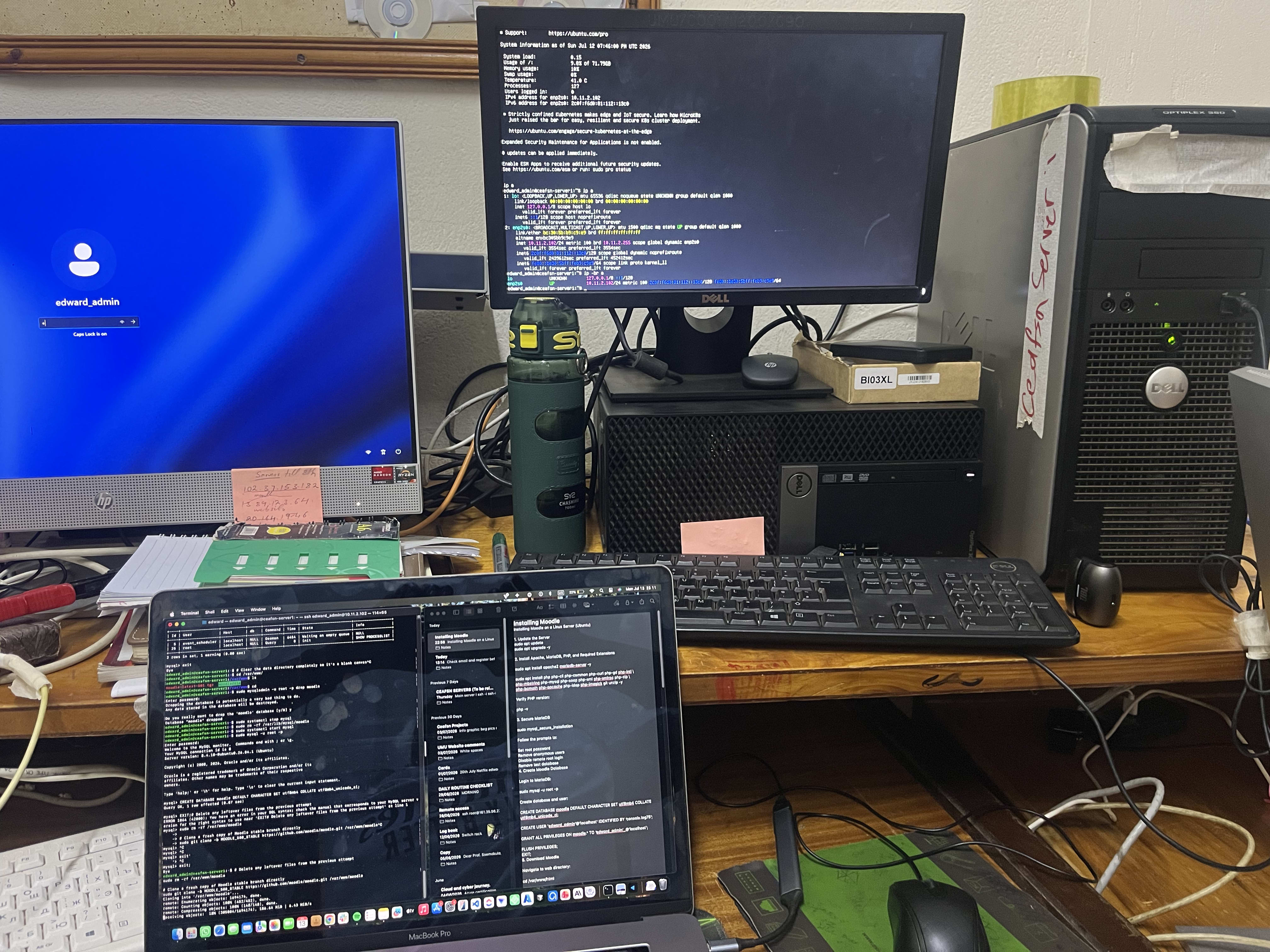
The Setup I spent two days trying to configure Moodle (the open-source LMS) on a server. It sounded straightforward. It was not. Day One: The Wall I kept hitting an issue where Apache wouldn't cooperate, the package manager (apt) just wasn't installing what it needed to. I tried everything I could think of for hours. Eventually I gave up and went to sleep. Nothing kills momentum like staring at the same error for hours with no progress. 😂 Day Two: Asking for Help The next day, I asked my friend Eric to help. He sat down and had it installed in 20 minutes. That hit me hard. Not in a bad way — but it made me realize I couldn't just watch him do it and call it done. I needed to be able to do this myself. Doing It Myself So I went back and installed it again, solo. Before I got it right, I went down a rabbit hole trying to write a loop and a script to automate parts of the setup, and it just wasn't working. It wasn't until I stopped improvising and actually followed the official Moodle documentation step by step that everything clicked. 😂 What I Learned
Watching someone fix it isn't the same as knowing how to fix it. Eric's 20 minutes taught me the value of doing it myself, mistakes and all. Documentation exists for a reason. I spent more time trying to be clever with a script than I would have spent just reading the docs from the start. Giving up for the night isn't failure. Sometimes a reset is exactly what you need to come back and solve it with a clear head.
Final Thoughts Two days, a lot of frustration, one very patient friend, and a much better understanding of server configuration than I had before. Small wins like this are what internships (and self-teaching) are really about.